TELEGRAM BOT 24/7Order on Website — Instant Automated Key & Account Delivery via Telegram Bot
How to Buy@gamikeybot
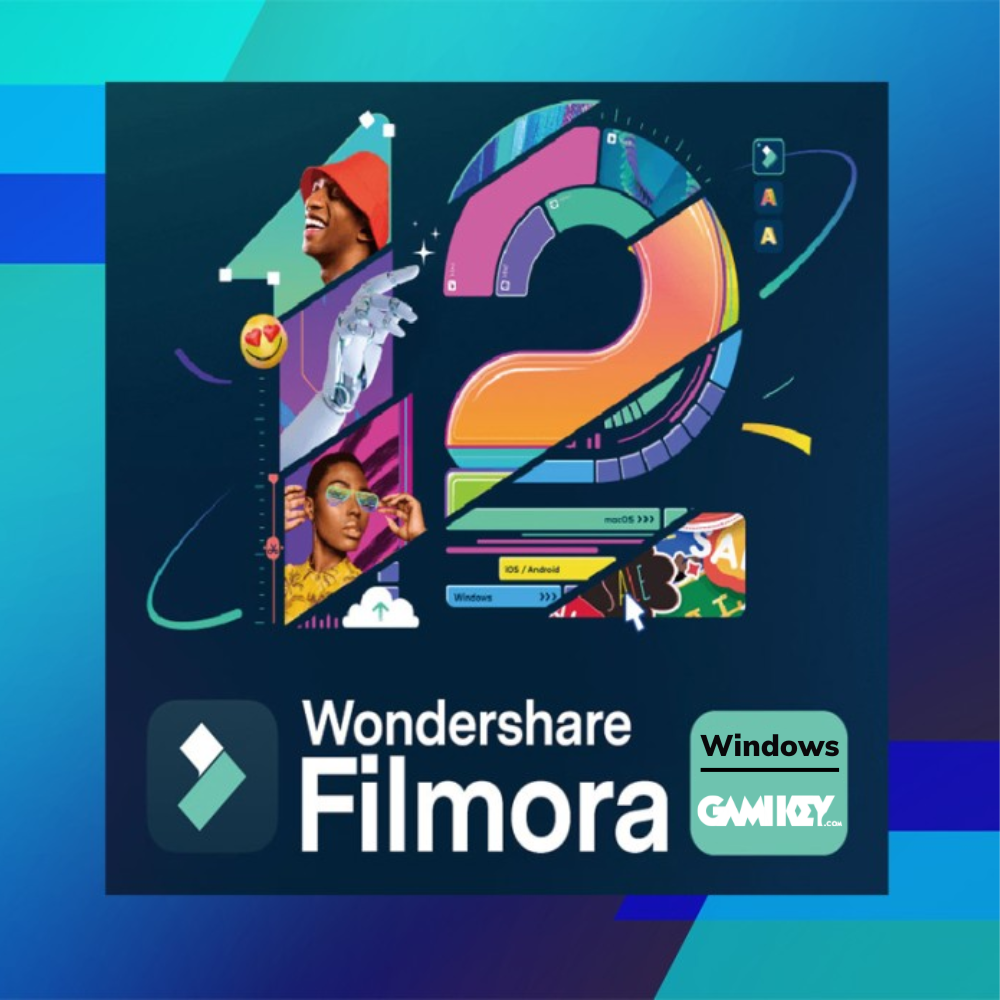
Filmora 12 video editing and cutting account for Window | Lifetime
Instant automated delivery after USDT payment
100% Full-Term Warranty Guarantee
Automated 24/7 delivery via Telegram Bot
5.0 (20 reviews)· Sold 185

Filmora 12 video editing and cutting account for Window | Lifetime

Use the correct login name and password provided by Gamikey to access Filmora 12. Avoid changing the password or any personal information related to the account to ensure stability and security. The account is licensed for a single user;

Special Price (USD / USDT):
$3.50$23.92Save 85%
● In Stock · Instant Automated DeliverySKU: FILMORA12WINDOW

Product Overview

What is Filmora 12 Window software? 

Filmora 12 is the latest version of the multi-platform video editing software developed by Wondershare, compatible with both Windows and macOS operating systems. This software provides a range of powerful features, making it easy for users to create high-quality videos. Some of its notable features include support for 4K video editing, advanced AI capabilities, cloud synchronization, and a rich effects library. With these new features, Filmora 12 has opened up numerous creative opportunities for users, helping them produce impressive and professional videos.

Outstanding features of the Filmora 12 account for Windows 

Filmora 12 is a new version of the video editing software developed by Wondershare, providing many powerful features to help users create creative and impressive videos. The following are some of the outstanding features of Filmora 12 that Gamikey has compiled:

  • Rich resource library: Filmora 12 provides hundreds of unique filters and effects, making videos creative and attractive.
  • Intelligent AI tool: Integrate features like AI Smart Cutout, AI Audio Stretch, and AI Audio Denoise to optimize the video editing process.
  • Professional audio editingFilmora 12 integrates advanced audio editing tools, allowing you to remove noise, adjust volume, add audio effects, and create high-quality audio for videos.
  • TAutomatically change video size: The Auto Reframe feature automatically adjusts the video frame when switching between different aspect ratios, such as 16:9 to 1:1, without losing important content.
  • Simplifying professional cutting features: Tools like Keyframing, Motion Tracking, and Masking are improved, allowing users to easily create smooth and accurate motion effects.
  • Auto color classification: Filmora 12 offers advanced color adjustment tools, allowing users to automatically categorize, match, and adjust colors in just a few seconds.
  • Diverse and easy-to-use effects: A rich effects library, including filters, transition effects, dynamic titles, and more to enrich your videos.
  • Share directly on social media: Filmora 12 supports video export in multiple formats, including direct upload to social media platforms like YouTube, Facebook.

Benefits of Filmora 12 account for Windows 

Filmora 12 account on Windows brings many conveniences to users, enhancing video editing experience. And below are the main conveniences when using Filmora 12 Windows

  • Cut, merge, and edit video: Easily manipulate video segments to create a complete product.
  • Add effects, transitions, and titles: Make your video more vivid and attractive with a diverse effects library.
  • Dub and edit audio: Integrates audio editing tools, allowing you to add voiceovers, background music, and adjust audio quality.
  • Export video in multiple formats: Supports video export in popular formats like MP4, AVI, MOV, suitable for multiple platforms.
  • Remove watermark and ads: With a licensed Filmora 12 account, the exported video will not have a watermark, ensuring professionalism for your products.
  • Access to rich resource library: Filmora 12 provides a diverse resource library with over 200 presets, pre-set modes, and billions of image, video, and audio effects resources, supporting you to create unique and creative videos.
  • CContinuous updates and support: With a genuine Filmora 12 account, you will receive the latest updates, including new features and tools, as well as bug fixes and improvements, ensuring the software always runs smoothly and efficiently.
  • Integrate smart AI technology: Filmora 12 integrates AI tools such as AI Smart Cutout, AI Audio Stretch, and AI Audio Denoise, helping to automate many editing tasks, save time, and improve video quality.

What formats does Filmora 12 support for users? 

Filmora 12 is a powerful video editing software that supports multiple file formats, meeting the diverse needs of users.

Input Format:

Video:

  • MPEG-1/2: .mpg, .mpeg, .m1v, .m2v
  • MPEG-4: .mp4, .m4v, .3gp, .3g2, .3gp2
  • QuickTime: .mov (only encoded with MPEG-4 or MJPEG codec)
  • Video file formats: .dv, .mod, .tod, .mts, .m2ts, .m2t
  • Flash Video: .flv, .f4v
  • Windows Media: .wmv, .asf
  • Audio Visual Interleave: .avi
  • Matroska: .mkv (encoded only with MPEG-4 or MJPEG codec)
  • HTML5 Video: .mp4, .webm, .ogv
  • Unencrypted DVD: .vob, .vro

Audio:

  • .mp3, .m4a, .wav, .wma, .ogg, .flac, .aif, .aiff

Image:

  • .jpg, .png, .bmp, .gif, .tif, .tiff

Output Format:

Video and Audio:

  • .mp4, .wmv, .avi, .mov, .f4v, .mkv, .ts, .mpg, .3gp, .webm, .gif, .mp3
  • 4K Video:
  • .mp4, .mov, .mkv

Device:

  • iPhone, iPad, Apple TV, iPod, Samsung Galaxy, smartphones, Android Generic, Google Pixel, Xbox One, PlayStation 4, PSP, Smart TV

Social media:

  • YouTube, Vimeo, TikTok

Configuration table for installing and using Filmora 12 

The following is the minimum and recommended configuration table compiled by Gamikey:

Component Minimum Requirements Recommended requirements
Operating System Windows 7/8.1/10/11 (64-bit) or macOS 10.14 or later Windows 10/11 (64-bit) or macOS 10.15 or later
Processor (CPU) Intel Core i3 or equivalent, minimum speed of 2GHz Intel Core i5 6th generation or later, 2GHz or higher
RAM 4 GB (recommended 8 GB for HD and 4K video editing) 8 GB (16 GB recommended for HD and 4K video editing)
Graphics Card (GPU) Intel HD Graphics 5000 NVIDIA GeForce GTX 1050; AMD Radeon R9 (4 GB VRAM)
Hard Drive At least 10 GB of free space (preferably SSD to increase performance) At least 20 GB of free space, SSD recommended
Screen Resolution 1366×768 or higher 1920×1080 or higher

Buy cheap Filmora 12 Windows account at Gamikey 

The following are the purchase instructions Filmore 12 Windows account cheap at Gamikey:

  • Step 1: Open a web browser and access the address /.
  • Step 2: Use the search bar on the homepage, enter the keyword "Filmora 12 Window" and press Enter.
  • Step 3Browse through the search results and select Filmora 12 Window
  • Step 4: Select "Add to cart" to put the product in your shopping cart.
  • Step 5: Click on the cart icon and select 'Checkout'. Fill in your personal information and payment method according to the instructions.
  • Step 6: After successful payment, Gamikey will send account information and activation instructions to the email you registered.

If customers want to learn more about other accounts at Gamikey: Buy a cheap Netflix account, upgrade Premium Spotify account, Buy Youtube Premium at a cheap price, Buy Adobe All Apps, buy Canva Pro account, Buy Zoom Pro account

Important Usage Note:
Official licensed products, automatically received via Telegram Bot after paying with USDT.

Frequently Asked Questions

How to receive Filmora 12 Video Editing Account when purchasing at Gamikey.net?

After selecting a package on the website and clicking 'Buy now via Telegram Bot', the system automatically converts the price from USD to USDT and delivers the genuine account within 30 seconds to 5 minutes in the Telegram chat.

Is the Filmora 12 video editing and cutting account covered by warranty?

Yes! Gamikey.net commits to a 1-for-1 exchange or refund based on the remaining usage time throughout the entire package period you registered.

Do I need to provide a password when buying Filmora 12 Video Editing & Cutting Account for?

Login information and accounts are automatically encrypted by the system and privately delivered via Telegram Bot with detailed usage instructions
Customer Reviews (0)

5.0 / 5.0

More in Video & Multimedia

View all →

Related Guides & In-Depth Reviews

Browse all articles →
How to restore blurry photos and upgrade videos to 4K 60FPS using Topaz Photo AI & Topaz Video AI license keys
Graphic Design & Video Editing · 7 min read

How to restore blurry photos and upgrade videos to 4K 60FPS using Topaz Photo AI & Topaz Video AI license keys

Instructions on how to use AI models Proteus, Iris, and Nyx in Topaz Video AI & Topaz Photo AI to enlarge printed photos and smooth out 60/120fps slow-motion videos.

DaVinci Resolve Studio 19 vs Adobe Premiere Pro: Should you buy a permanent Blackmagic Key or subscribe to Adobe?
Graphic Design & Video Editing · 8 min read

DaVinci Resolve Studio 19 vs Adobe Premiere Pro: Should you buy a permanent Blackmagic Key or subscribe to Adobe?

Analysis of exclusive features only available on DaVinci Resolve Studio 19 paid version (Neural Engine AI, Noise Reduction, Magic Mask, Voice Isolation, 10-bit 4:2:2 export).

24/7 Automated Delivery & Live Support via Telegram Bot

Select on Website — Receive License Keys & Accounts Instantly.

Clear global pricing in USD/USDT. Pay seamlessly via USDT (TRC20 / BEP20) through our automated Telegram Bot @gamikeybot and receive your credentials in seconds.

Launch Telegram Bot @gamikeybotFrequently Asked Questions
Transparent Global Pricing

Every software license and subscription is priced clearly in USD and settled via USDT.

Automated 24/7 Delivery

Fast automated processing with license keys and logins delivered straight to your chat.

100% Full-Term Warranty

Guaranteed replacement or dedicated support throughout your entire subscription period.